₹1,500 Discount on Combo Course
Grab Now Apply "FLAG26"
Switching from Vyapar or myBillBook to TallyPrime: A Migration Guide for Growing Businesses
30-Second Summary
Growing businesses often outgrow simple billing apps like Vyapar or myBillBook once inventory gets complex or multiple team members need access. Switching to TallyPrime solves these growing pains by offering advanced inventory control, flexible multi-user permissions, and deeper financial reporting—without losing your existing data.

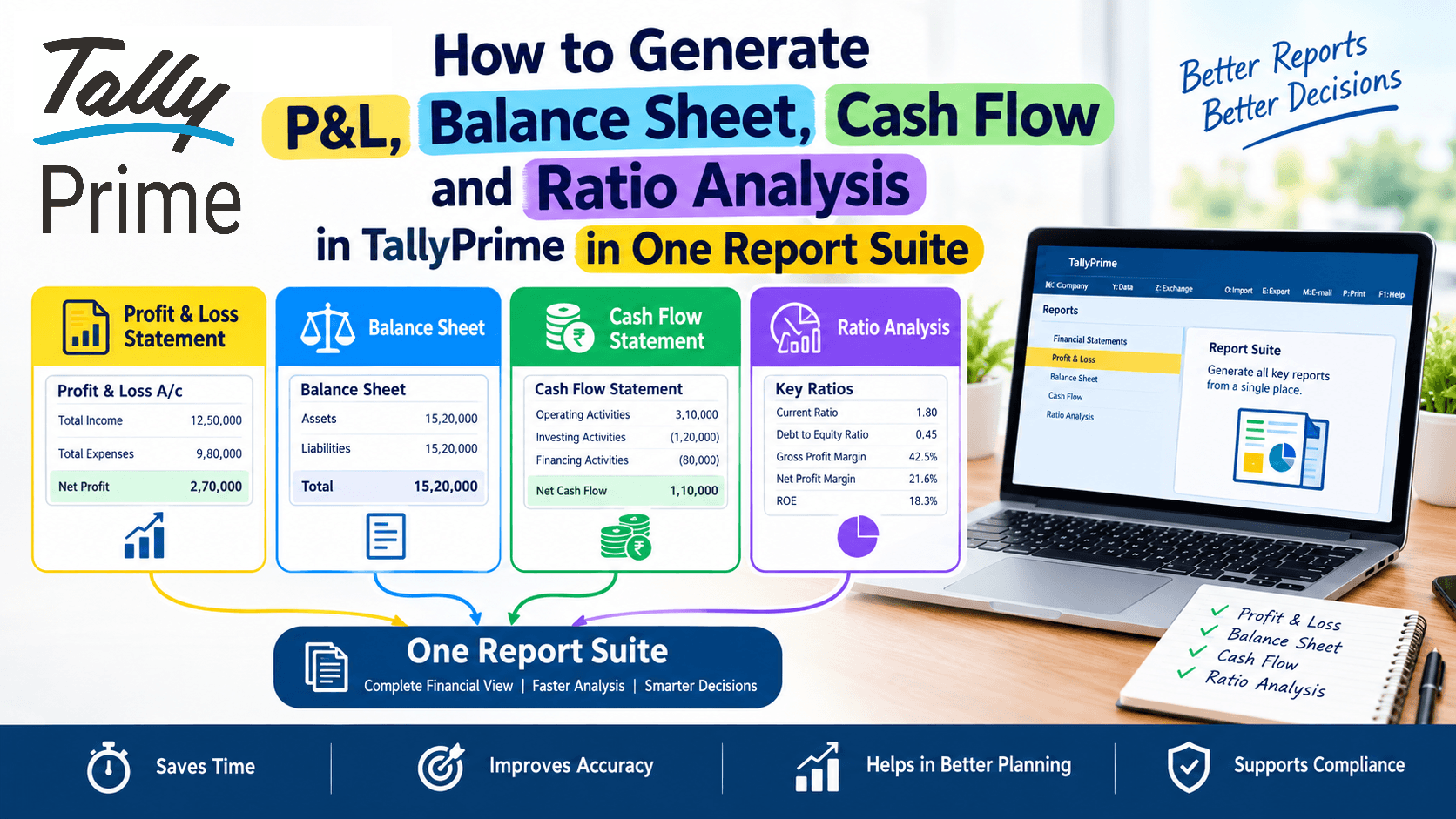
How to Generate P&L, Balance Sheet, Cash Flow and Ratio Analysis in TallyPrime in One Report Suite
30-Second Summary
Struggling to switch between multiple tabs just to check your Profit & Loss, Balance Sheet, Cash Flow, and financial ratios? A growing business owner, hunting through different screens wastes valuable time. TallyPrime allows you to pull all these crucial financial statements and health checks into one unified report suite, helping you make fast, confident decisions without the accounting headache.
How to Calculate the True Annual Cost of TallyPrime for Your Business
30-Second Summary
Looking at just the sticker price of business software is a classic trap. To figure out the real annual cost of TallyPrime, you need to factor in your license type, must-have add-ons, integrations, team training, setup time, and what a simple compliance mistake could cost you. In this guide, I’ll break down how to map these expenses out so you can budget accurately without any hidden financial surprises.

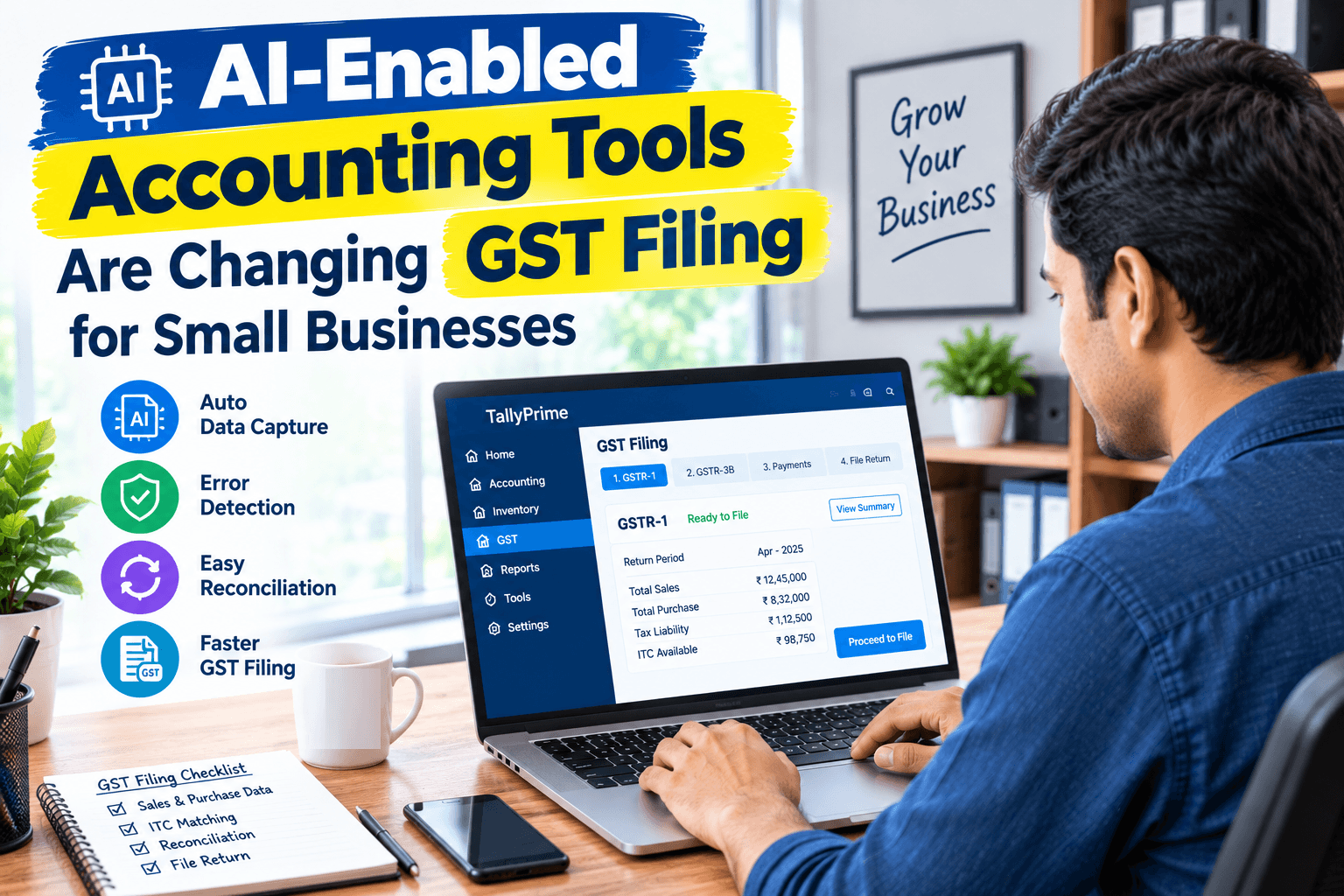
How AI-Enabled Accounting Tools Are Changing GST Filing for Small Businesses
30-Second Summary
GST filing can become stressful when sales invoices, purchase bills, ITC data, and GST returns do not match. AI-enabled accounting tools are changing this by helping businesses capture data faster, identify errors, reconcile information, and prepare cleaner GST data before filing. The biggest benefit is not simply saving time. It is reducing the small mistakes that create bigger problems during reconciliation and return filing.
5 AI Capabilities SME Owners Should Actually Look for in Accounting Software
30-Second Summary
Running a small business means you wear a dozen hats, and keeping track of the books shouldn't eat up your entire week. This guide walks you through five practical AI features to look for in your accounting and business management software that actually save time, cut down human error, and stop financial guesswork.
A Trader's Walkthrough: Managing Inventory Across Locations in TallyPrime
30-Second Summary
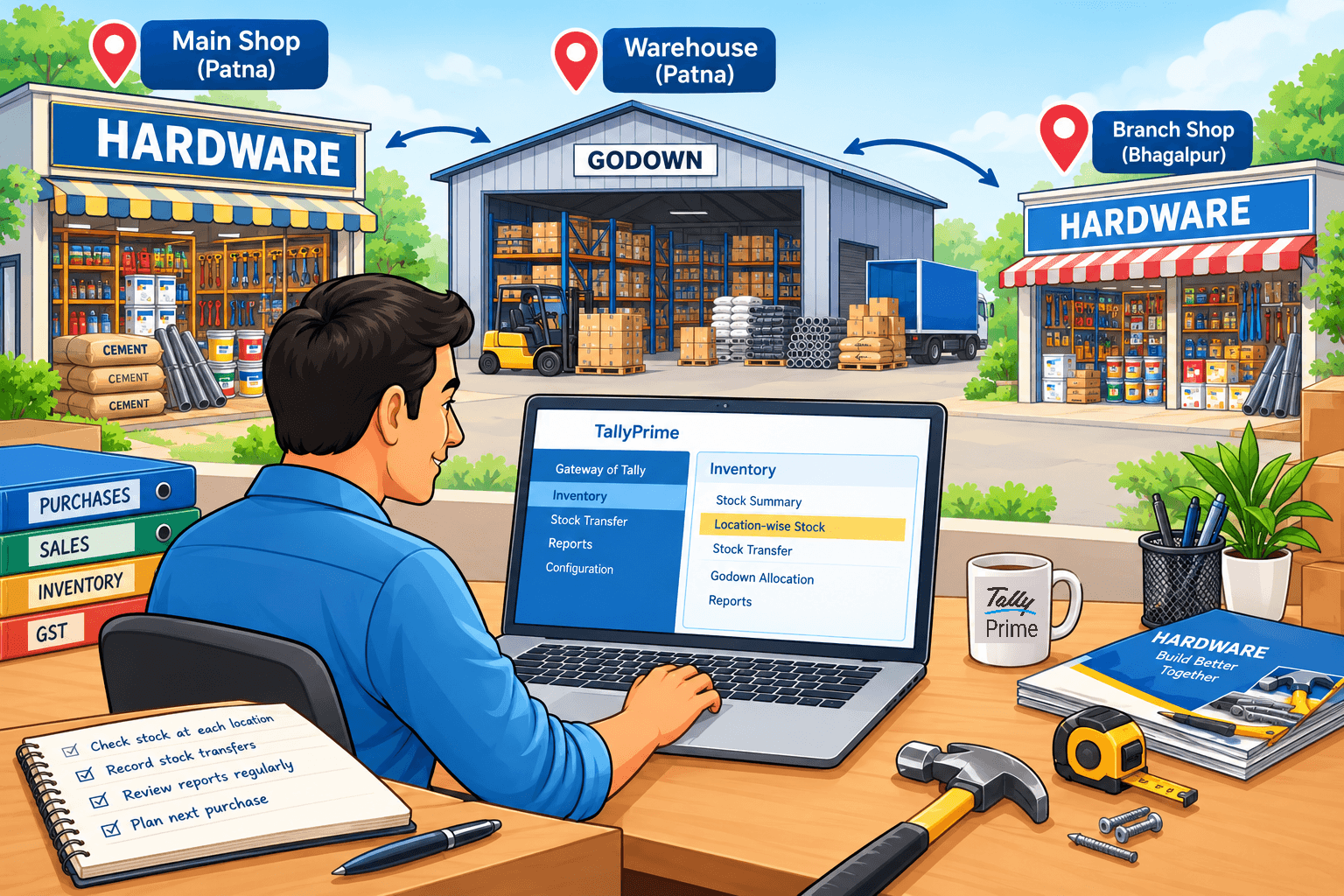
Managing stock across multiple shops, warehouses, or godowns becomes difficult when every location maintains separate records. TallyPrime helps traders keep location-wise stock records, track stock movements between locations, and understand where inventory is available. Instead of depending on phone calls or spreadsheets, business owners can check stock positions from their accounting system. The key is to set up each location properly, record stock transfers consistently, and review location-wise reports regularly.
How Easy Is TallyPrime to Learn for SME Owners? A Practical Guide
TL;DR
TallyPrime is designed to be easy for SME owners, even without a commerce or accounting background. Its simple navigation, familiar business workflows, and search-based features help owners quickly create invoices, track expenses, check outstanding payments, and view business reports. You don’t need to become an accountant to use it—learning the basics can help you handle everyday business tasks with greater confidence and control.

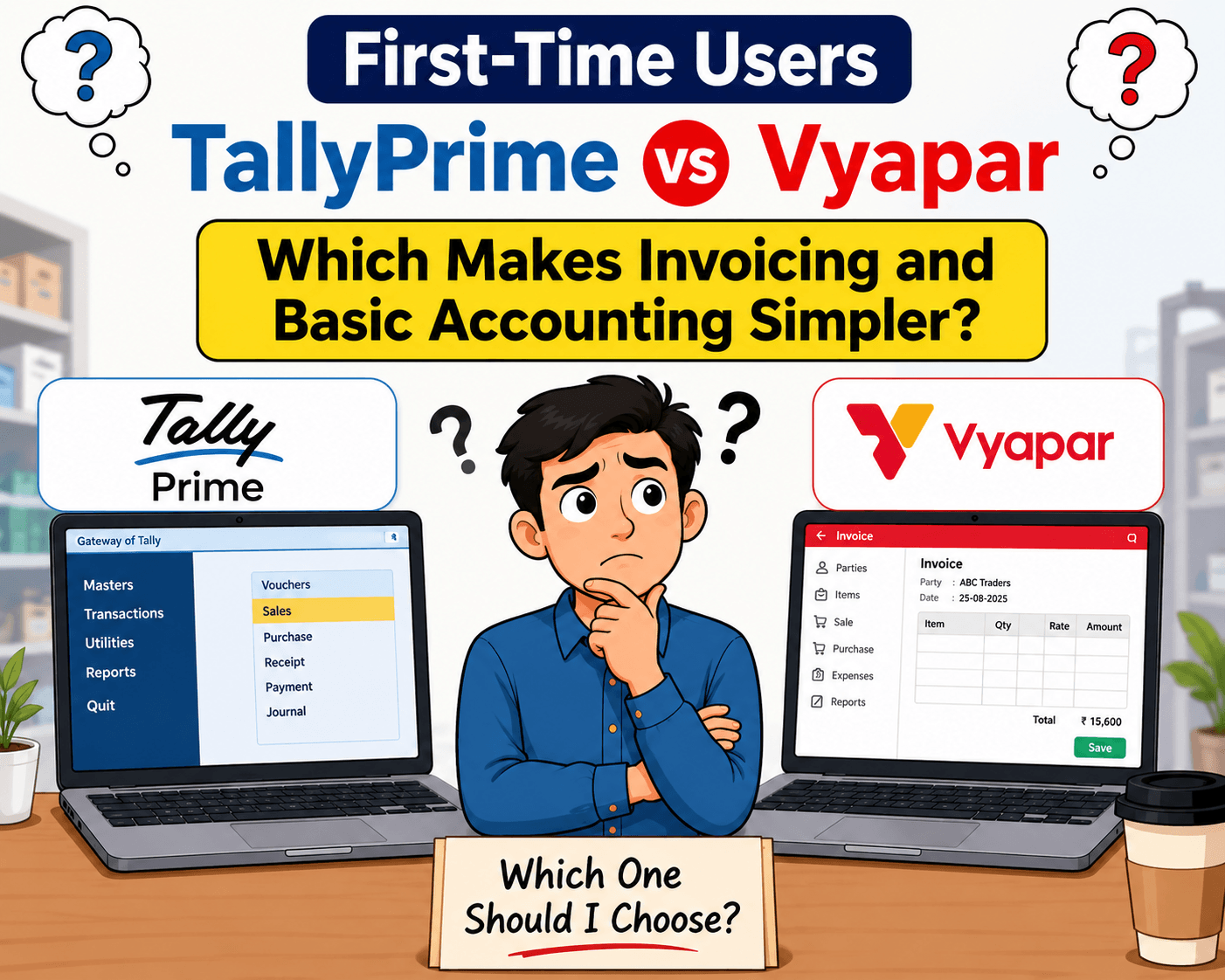
TallyPrime vs Vyapar for First-Time Users: Which Makes Invoicing and Basic Accounting Simpler?
TL;DR
For a first-time business user, both TallyPrime and Vyapar can make invoicing and basic accounting easier, but the TallyPrime are designed with very different priorities. TallyPrime makes GST invoicing and basic accounting simpler for first-time users with an easy-to-follow workflow for customers, items, invoices, payments, and receipts.
You can start with basic billing and gradually learn GST, inventory, outstanding reports, and accounting as your business grows.
Unlike Vyapar's billing-focused approach, TallyPrime connects invoicing with complete accounting and business reports in one system.
If you want simple GST billing today and a complete accounting system for tomorrow, TallyPrime is the better choice.
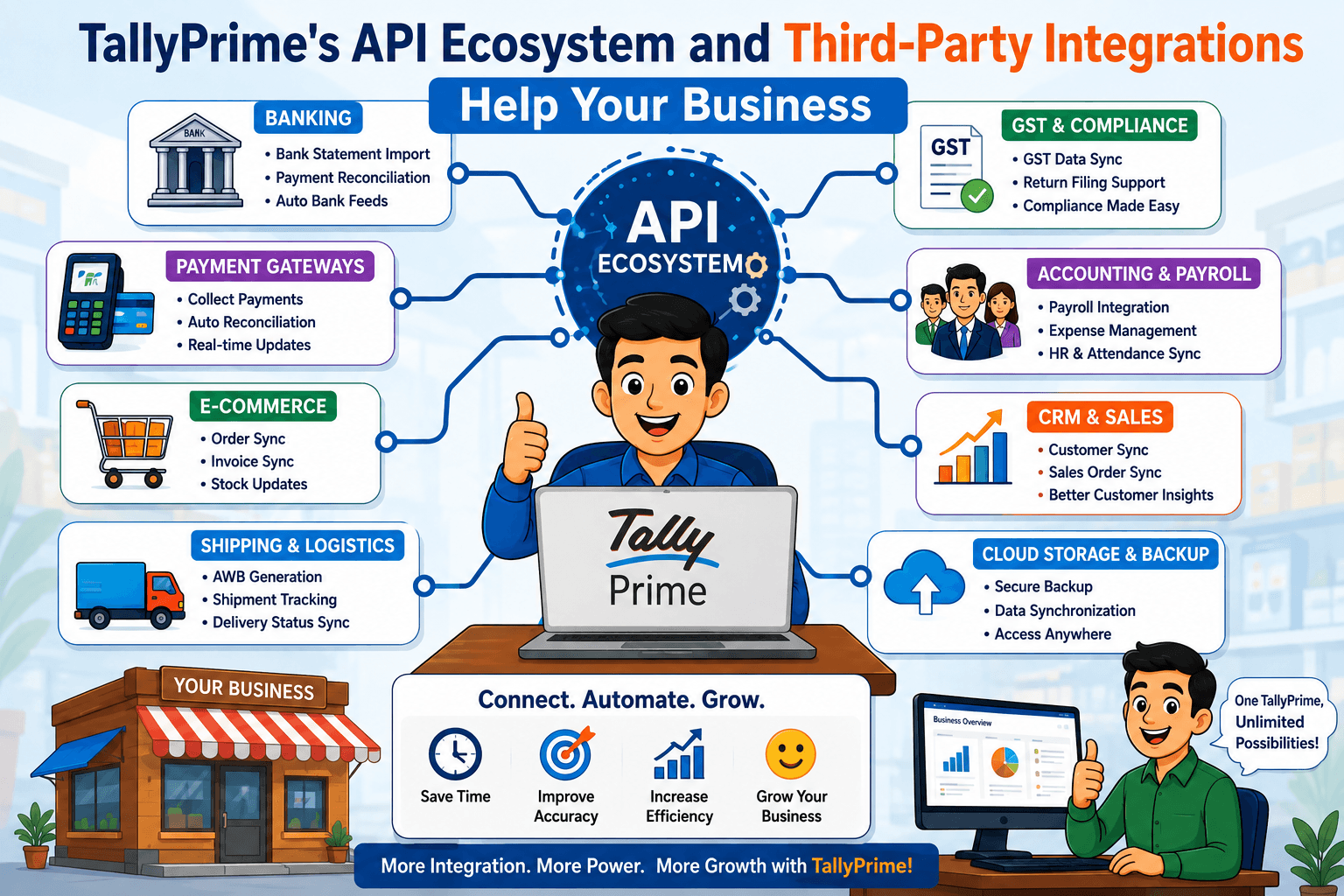
How TallyPrime's API Ecosystem and Third-Party Integrations Help Your Business?
TL;DR – 30-Second Summary
TallyPrime’s API ecosystem and third-party integrations bridge the gap between your business management software and other business tools like CRMs and e-commerce platforms. By automating data flow, these connections eliminate manual entry, eliminate errors, and save hours of administrative work every week. You don't need to rip out and replace your accounting software when your business outgrows standard workflows. You can use Tally Definition Language (TDL) and TallyPrime’s API ecosystem to customize screens, vouchers, and reports, and connect external apps, building directly on your TallyPrime setup instead of starting over.
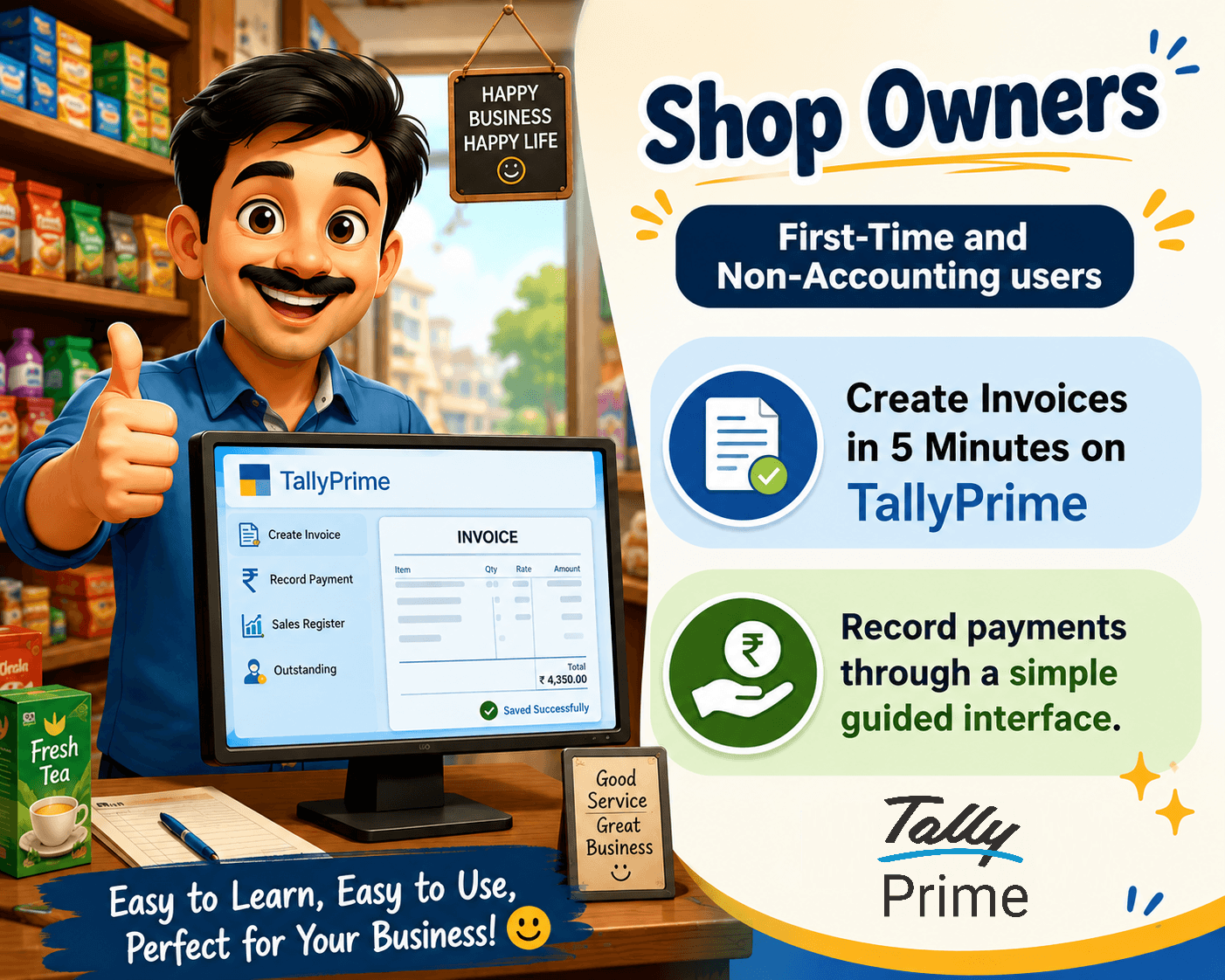
A Shop Owner's Guide: What TallyPrime Invoicing Feels Like Day to Day
TL;DR – 30-Second Summary
TallyPrime turns daily billing and inventory tracking from a stressful chore into a smooth, 5-minute routine. Even if you are opening billing software for the first time, its clean design lets you create invoices, check stock items instantly, and keep your records organized without needing an accounting degree and keep proper payment records.
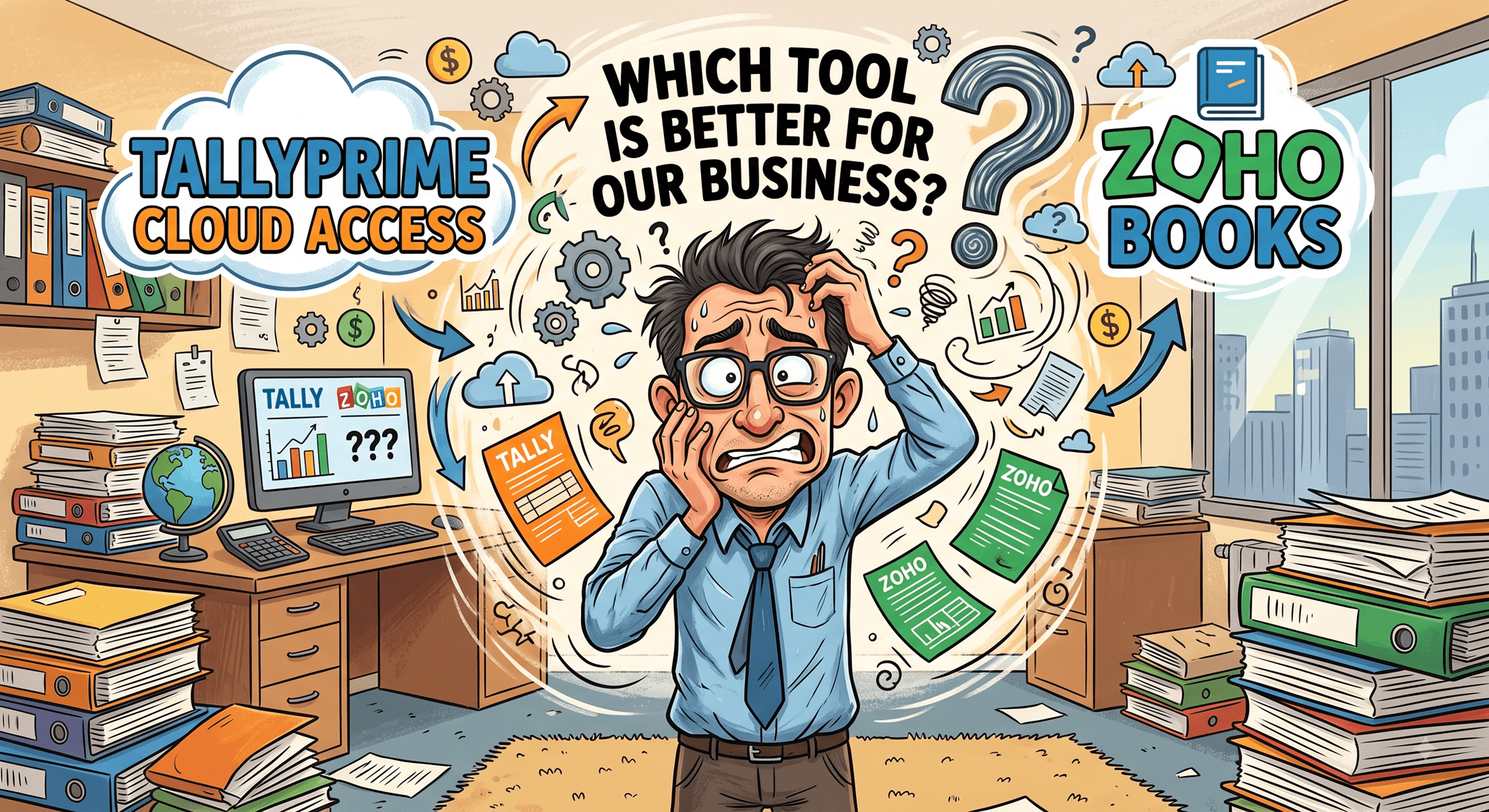
TallyPrime Cloud Access vs Zoho Books: Which tool is better for your business?
TL;DR – 30-Second Summary
TallyPrime Cloud Access brings together the convenience of remote, browser-based access with the accounting depth, entry speed, and reliability that TallyPrime is already known for. This lets growing businesses run their full accounting and inventory operations from anywhere with keyboard-driven efficiency. Zoho Books is a good fit for small service businesses with light invoicing needs. For businesses managing high transaction volumes, multi-location inventory, or that need complete ownership over their data infrastructure, TallyPrime Cloud Access is built to deliver cloud flexibility without trading away the operational power businesses already rely on TallyPrime for.
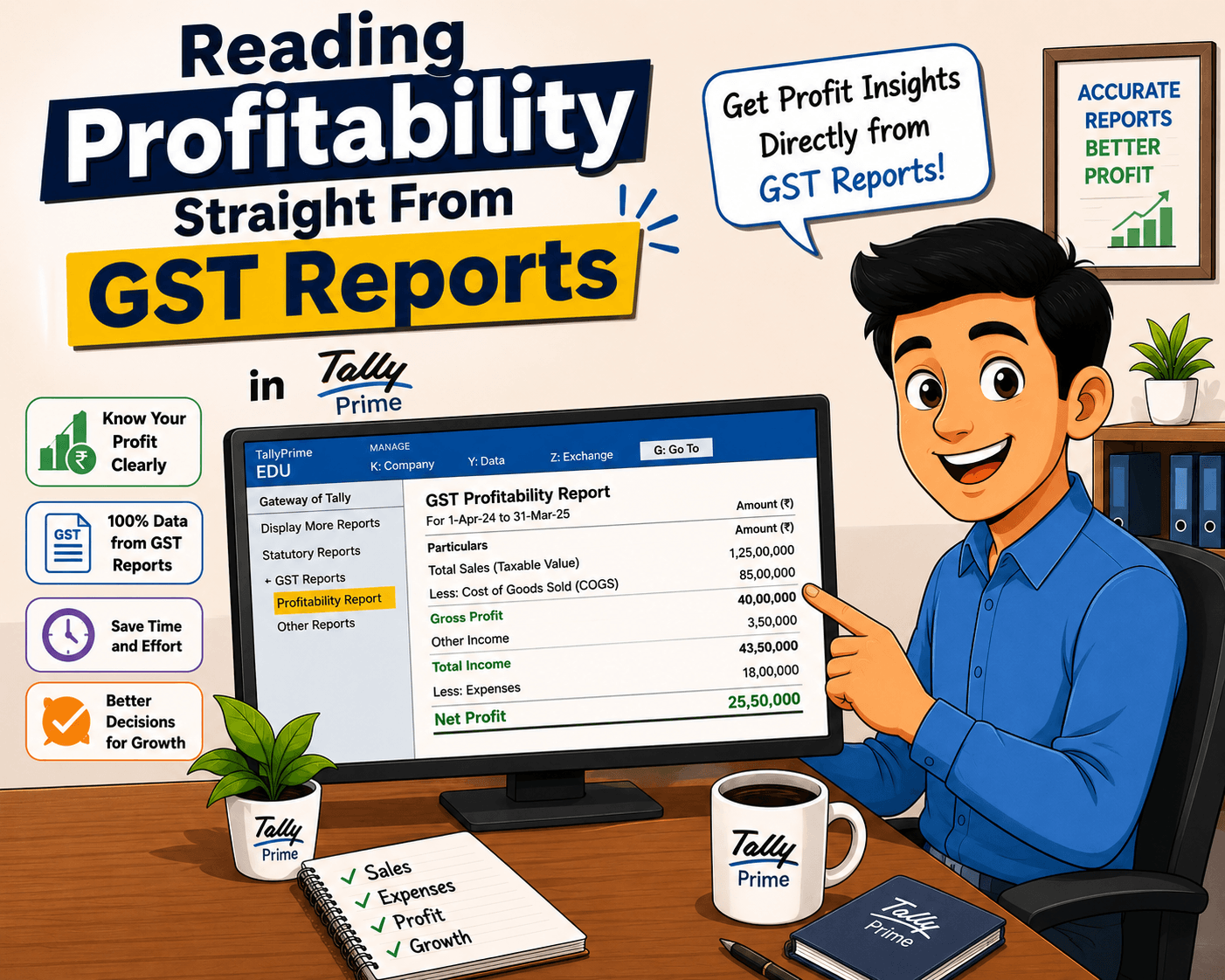
Reading Profitability Straight From GST Reports in TallyPrime
TL;DR|Managing a business across multiple states in India often feels like juggling separate entities, each with its own GSTIN, stock movements, and tax rules. TallyPrime solves this complexity in a single system. It handles inter-state stock transfers with automatic IGST calculation and e-way bill generation, tracks branch-wise Profit & Loss statements, and merges everything into a unified, consolidated balance sheet for full financial visibility.
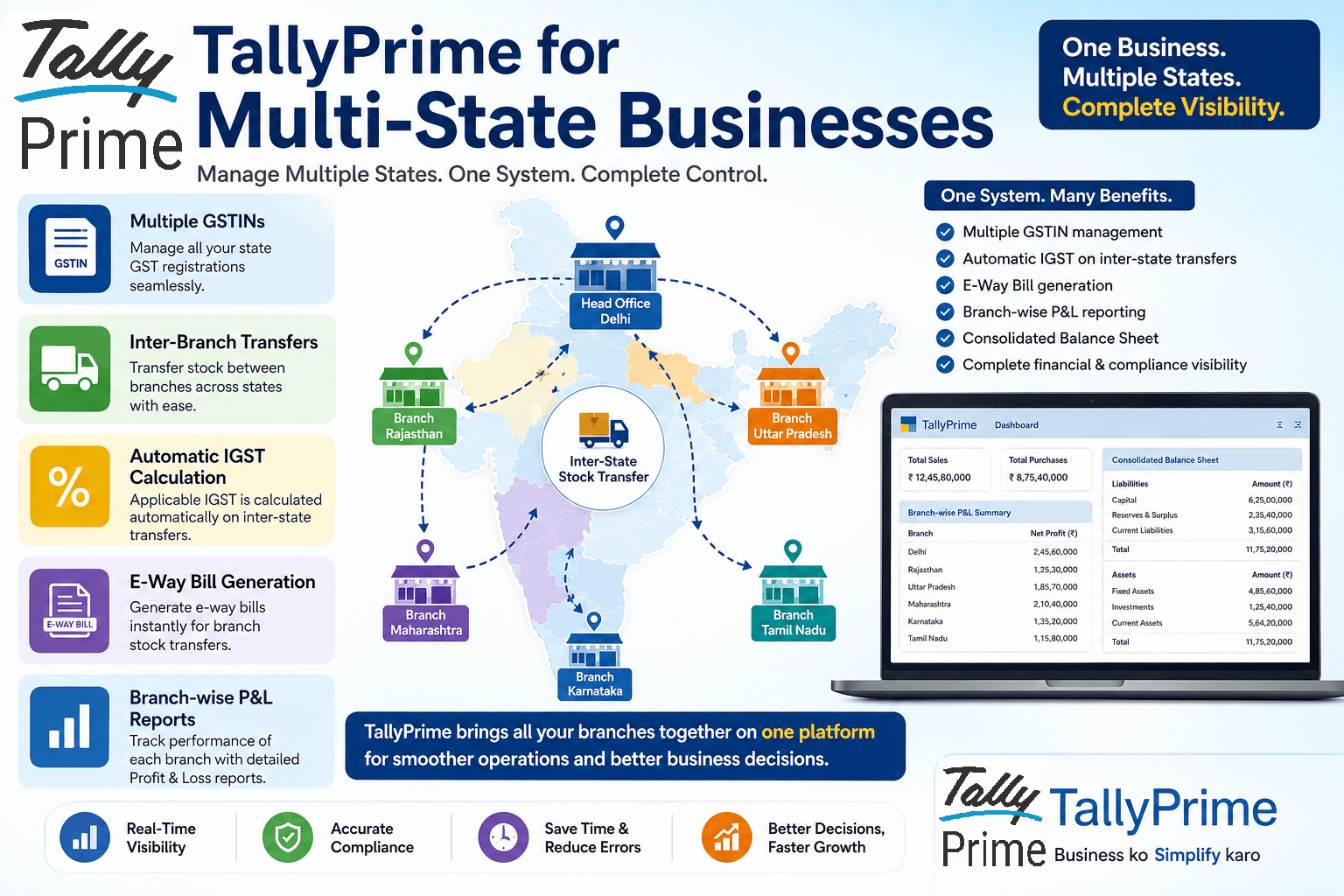
TallyPrime for Multi-State Businesses: How to Handle GSTIN, Inter-Branch Transfers and Consolidated Reporting
TL;DR
Managing a business across multiple states in India often feels like juggling separate entities, each with its own GSTIN, stock movements, and tax rules. TallyPrime solves this complexity in a single system. It handles inter-state stock transfers with automatic IGST calculation and e-way bill generation, tracks branch-wise Profit & Loss statements, and merges everything into a unified, consolidated balance sheet for full financial visibility.
What CAs Recommend When Clients Have a Tight Budget but Cannot Compromise on GST Compliance
TL;DR
When operating on a tight budget, picking accounting software purely based on low subscription fees often leads to costly GST calculation errors, lost Input Tax Credit (ITC), and expensive tax notices. Practicing CAs recommend looking at Total Cost of Compliance rather than just subscription price. Tools like TallyPrime eliminate costly tax mistakes, automate GSTR-2B reconciliation, maintain clean audit trails, and offer integrated e-invoicing/e-way bills—saving businesses far more in CA correction fees and penalties than any minor software discount.

How Family-Run Businesses Use TallyPrime to Professionalise Their Accounts Without Overcomplicating Things
TL;DR
Family-run businesses often struggle to shift from informal notebooks or spreadsheets to structured accounting because these systems feel too complex. TallyPrime bridges this gap by offering GST compliance, organized ledgers, outstanding receivables tracking, and a clean audit trail without forcing you to hire a full-time accountant. It brings order to your daily finances while keeping your day-to-day operations simple.

Which Business Management Software Can Grow from a Single Store to Multiple Locations Without a System Switch?
TL;DR
Switching software during business expansion disrupts operations, causes data loss, and drains money. TallyPrime eliminates this hassle by seamlessly scaling with businesses. Whether you start with one shop and expand to multiple branches, add users, register new GSTINs, or set up new warehouses, TallyPrime handles it all on a single platform, without needing a system migration at any stage.

Why Indian CAs Recommend TallyPrime for Fast Voucher Posting and Audit-Ready GST Returns
TL;DR
Indian CAs prefer TallyPrime because it eliminates accounting friction at every stage. With rapid keyboard shortcuts, automated GST calculation at voucher entry, seamless GSTR-2B reconciliation, direct GST filing, and an immutable audit trail, TallyPrime turns month-end tax chaos into a smooth, audit-ready workflow year-round.

TallyPrime for a Small Retail Shop with 2–3 Staff: Is it the Smarter Choice Over Vyapar?
TL;DR
For a retail store with 2–3 staff members, TallyPrime offers significantly better long-term value than Vyapar. While Vyapar is simple for basic billing, TallyPrime delivers true direct GST filing, advanced stock aging analysis, granular credit tracking, and a seamless CA-ready audit trail. When comparing multi-user desktop setups, TallyPrime Silver/Gold renewals often cost less annually than premium multi-device Vyapar plans, making it the smarter, more scalable choice.
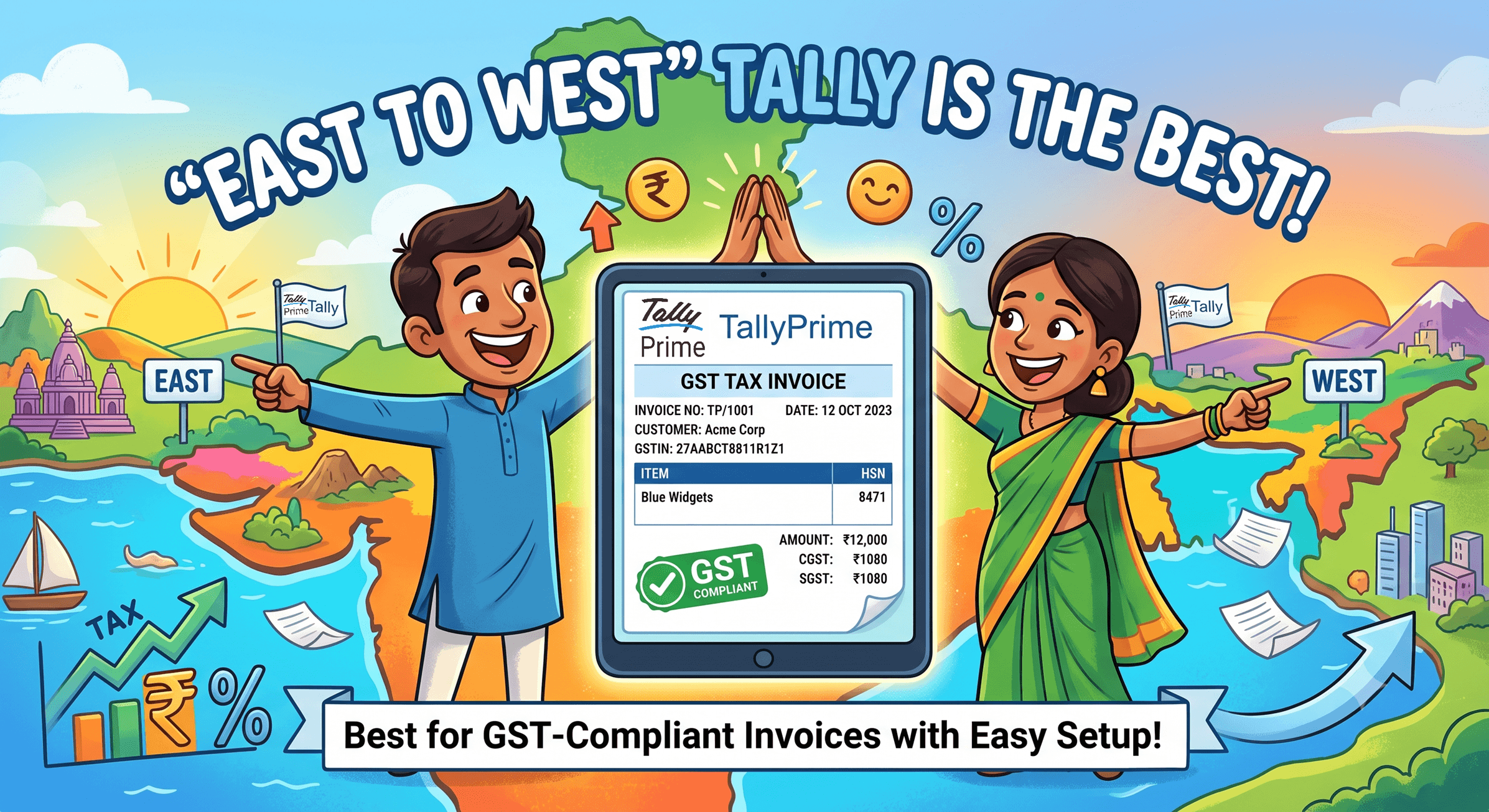
Which Software is Best for Quick GST-Compliant Invoices Without Complex Setup?
TL;DR
You don’t need weeks of training or a complex cloud setup to issue GST-compliant invoices. If you think TallyPrime is too heavy for a quick start, think again. By simply entering your company details, GSTIN, and product list, you can get TallyPrime ready for basic GST invoicing in under 15 minutes—giving you the speed of a lightweight online tool with the reliability of robust desktop software.
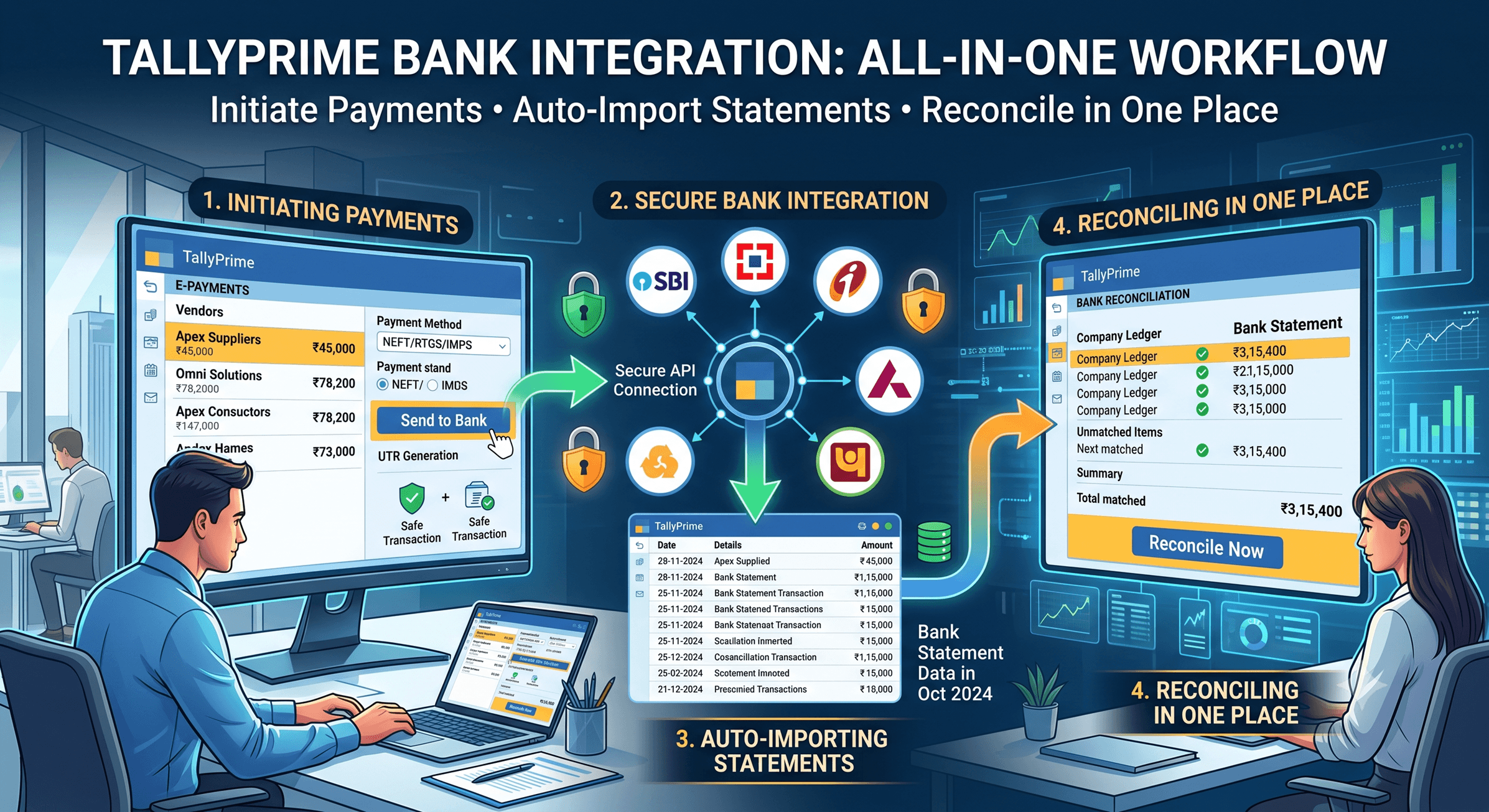
TallyPrime Bank Integration: Initiating Payments, Auto-Importing Statements and Reconciling in One Place
TL;DR
Tired of juggling between banking portals and accounting software? TallyPrime connects directly with major Indian banks (SBI, Axis Bank, Kotak Mahindra Bank & ICICI Bank) allowing you to initiate vendor payments and auto-import statements for instant reconciliation without leaving your accounting screen. It eliminates manual data entry, cuts down human errors, and gives you real-time visibility over your cash flow—all from one single platform.
Upgrading from Vyapar to Tally Prime: 7 Signs Your Indian Business Has Outgrown Basic Billing Apps
TL;DR:
Basic billing apps like Vyapar are good for early-stage startups, but as your transaction volume scales, you will hit clear operational ceilings. If you are struggling with GSTR-2B mismatches, lagging inventory over 500 SKUs, multi-user access limits, or CA audit requirements, upgrading to TallyPrime ensures full GST compliance, granular inventory control, and robust audit trails.
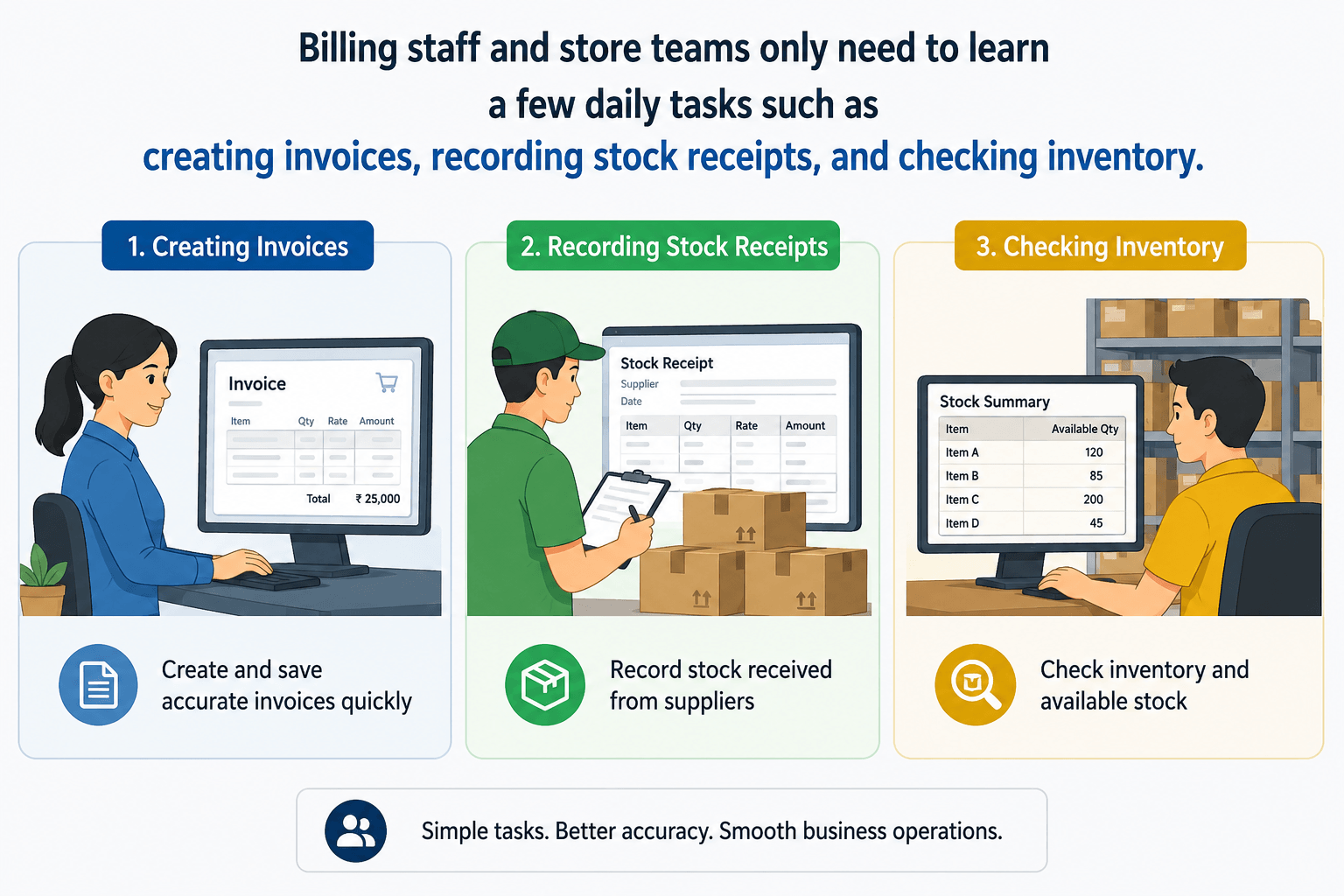
TallyPrime for Billing and Store Staff: What Non-Finance Employees Actually Need to Learn
TL;DR
Many business owners assume that anyone using TallyPrime must learn accounting. That's not true. Billing staff and store teams only need to learn a few daily tasks such as creating invoices, recording stock receipts, and checking inventory. With proper user access controls, TallyPrime becomes easy to use, helping businesses improve speed, accuracy, and teamwork without overwhelming non-finance employees.
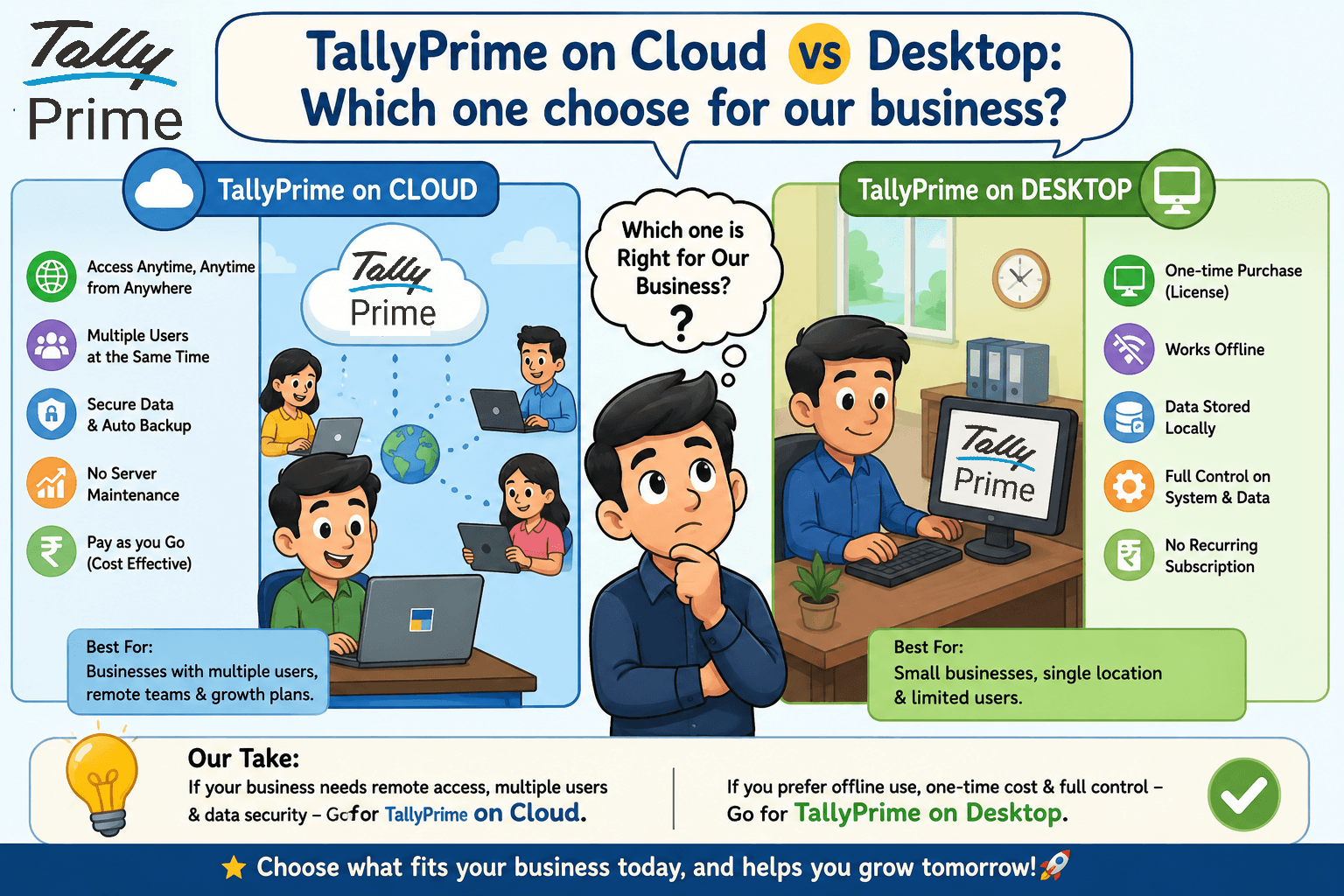
TallyPrime on Cloud vs Desktop: Which one should you choose for your business?
TL;DR
Should you use TallyPrime on Cloud or install it on your desktop? The right answer depends on your business size, team, and how you work. If your employees need to access TallyPrime from different locations, cloud is usually the better choice. If you work from a single office and prefer lower recurring costs, the desktop version is often enough. In this blog, I'll compare both options, share real business examples, and help you choose the best solution for your company.
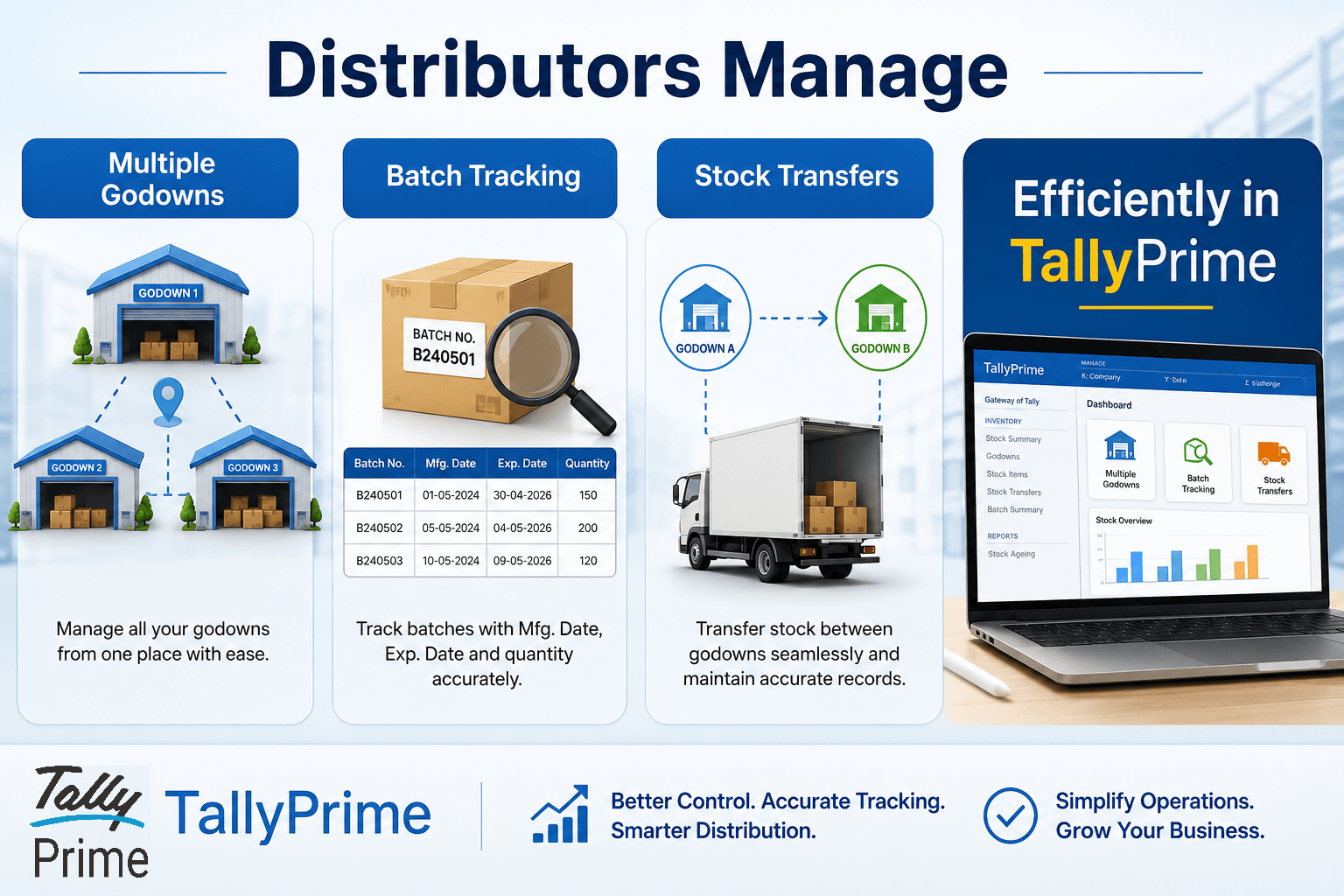
Godown-Wise Stock and BatchTracking in TallyPrime: A Step-by-Step Guide for Distributors
TL;DR
If your business stores inventory across multiple warehouses or godowns, manually tracking stock can lead to shortages, expiry losses, and inaccurate inventory records. With TallyPrime, distributors can create and manage multiple godowns/warehouses, track inventory batch-wise with manufacturing and expiry dates, monitor stock availability in each location, transfer stock between godowns with a complete audit trail, generate godown-wise and batch-wise stock reports instantly, reduce inventory errors and improve stock visibility
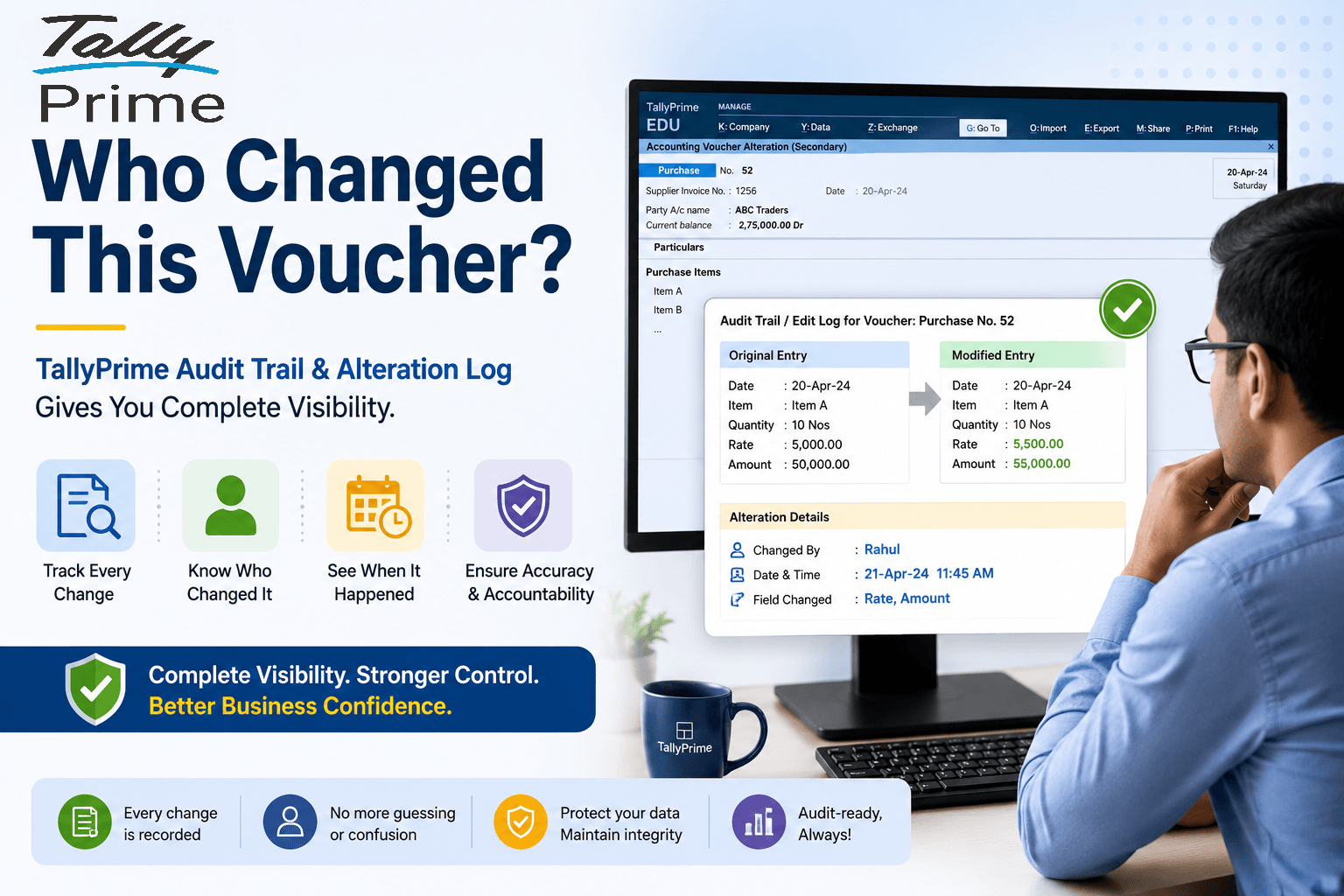
How TallyPrime's Audit Trail and Alteration Log Protect Your Accounts When Staff Make Mistakes
TL;DR
Staff mistakes in accounting are unavoidable. A voucher may be edited, a ledger may be selected incorrectly, or an amount may be changed after entry. The real risk is not the mistake itself—it is losing visibility into what was changed and who changed it.TallyPrime's Audit Trail and Alteration Log solve this problem by recording every change made to a voucher. Business owners and CAs can see what was changed, who changed it, and when it was changed, while still preserving the original record. This creates accountability, improves internal controls, and makes audits much easier.
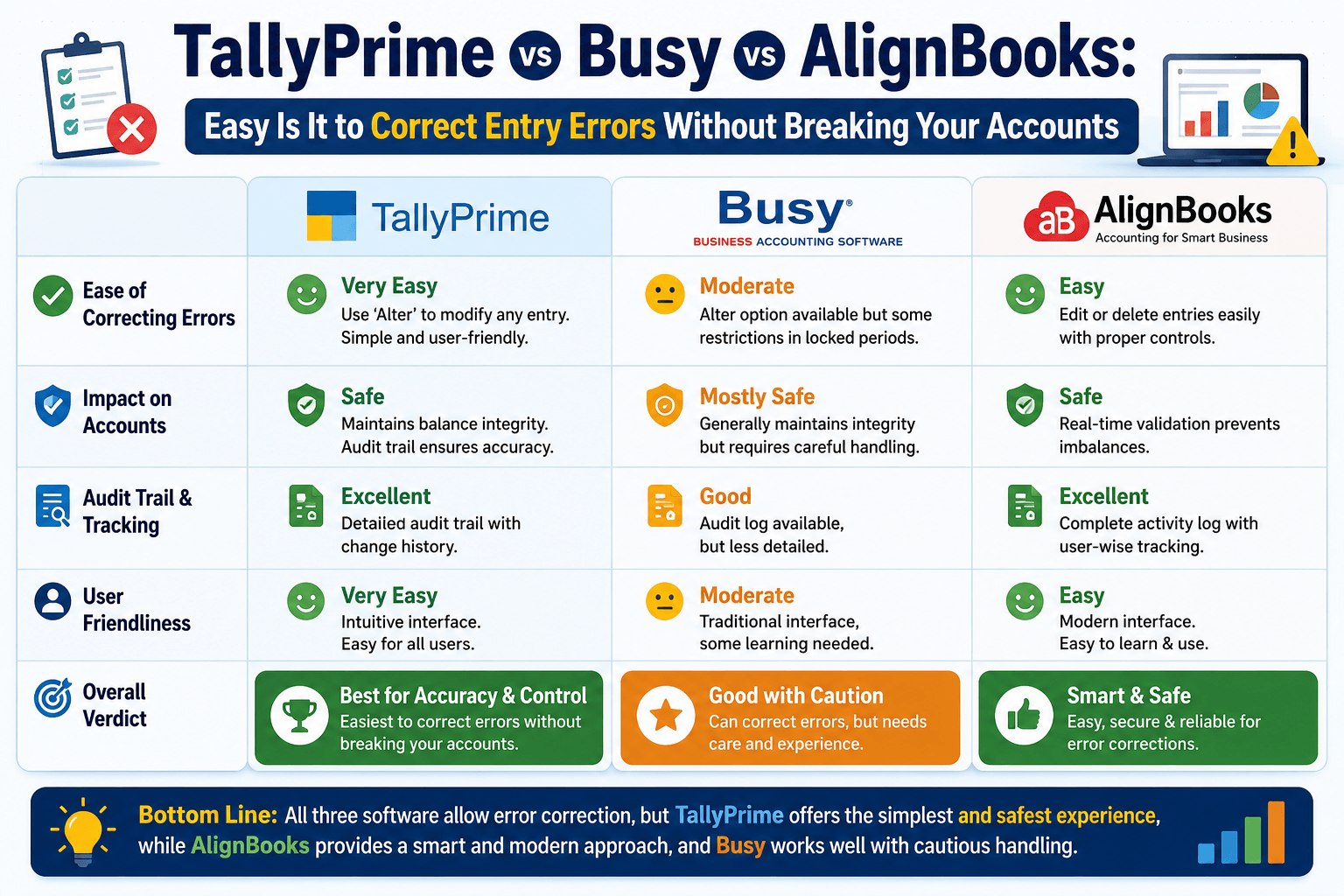
TallyPrime vs Busy vs AlignBooks: How Easy Is It to Correct Entry Errors Without Breaking Your Accounts?
TL;DR
Correcting data entry mistakes in accounting shouldn't require a degree in rocket science or hours of manual patchwork. While systems like Busy and AlignBooks often force you into rigid deletion paths or complex manual adjustment entries, TallyPrime lets you edit or delete vouchers on the fly. The background ledger balances auto-correct instantly upon saving, while a secure, built-in alteration register and audit trail track user IDs and timestamps to keep your books completely compliant and transparent.
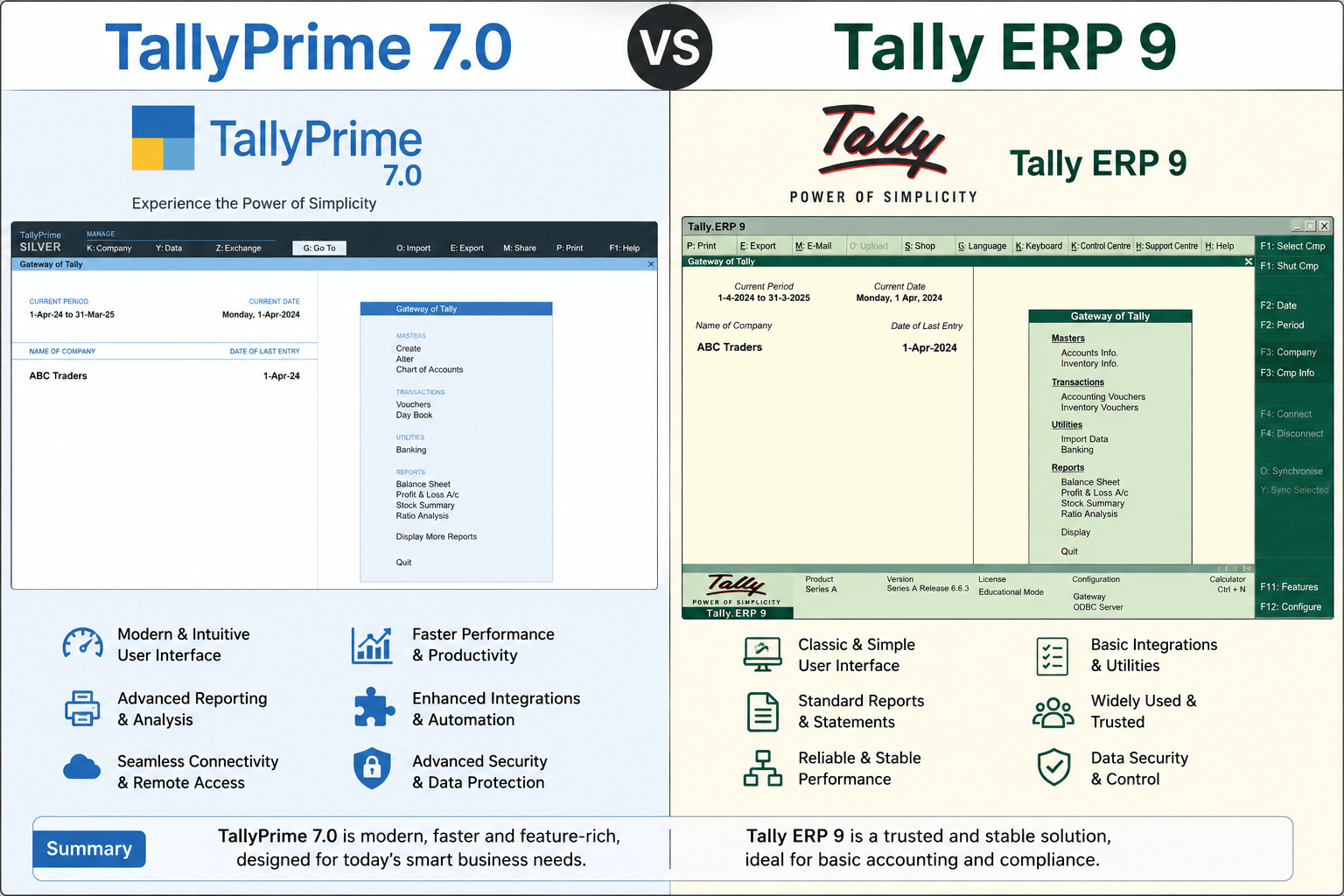
TallyPrime 7.0 vs Tally ERP 9:What Changed, What Got Better and What Takes Getting Used To
TL;DR
Still clinging to Tally ERP 9? Moving to the latest TallyPrime 7.0 is no longer just about a prettier screen, it is a massive leap in business automation. While ERP 9 was a reliable manual workhorse, TallyPrime 7.0 introduces fully automated cloud backups via TallyDrive, direct bank payments without leaving your software, universal search, and bulletproof GST compliance. Yes, the muscle memory of old keyboard shortcuts will take a week to unlearn, but the massive time savings and data security make it an essential upgrade for any growing business.
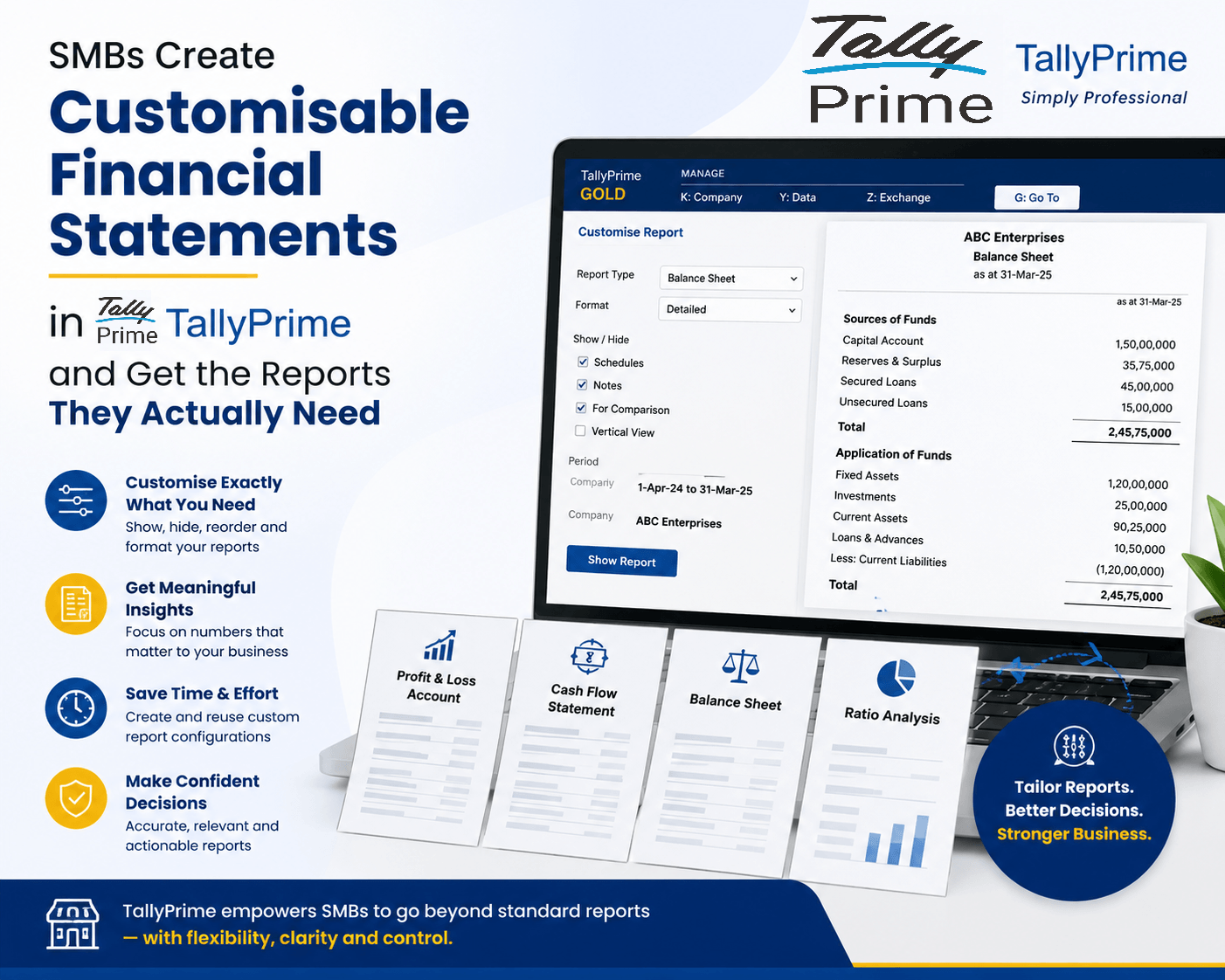
How Can SMBs Create Customisable Financial Statements in TallyPrime and Get the Reports They Actually Need?
TL;DR
Small and Medium Businesses (SMBs) often struggle with rigid, one-size-fits-all financial reporting that fails to highlight their unique operational insights. TallyPrime solves this pain point by offering flexible, highly customizable financial statements—allowing users to easily alter views, apply multi-column comparisons, slice data via Cost Centres, and save personalized views. This flexibility enables business owners to move beyond basic data entry and instantly access data tailored to their specific strategic needs.
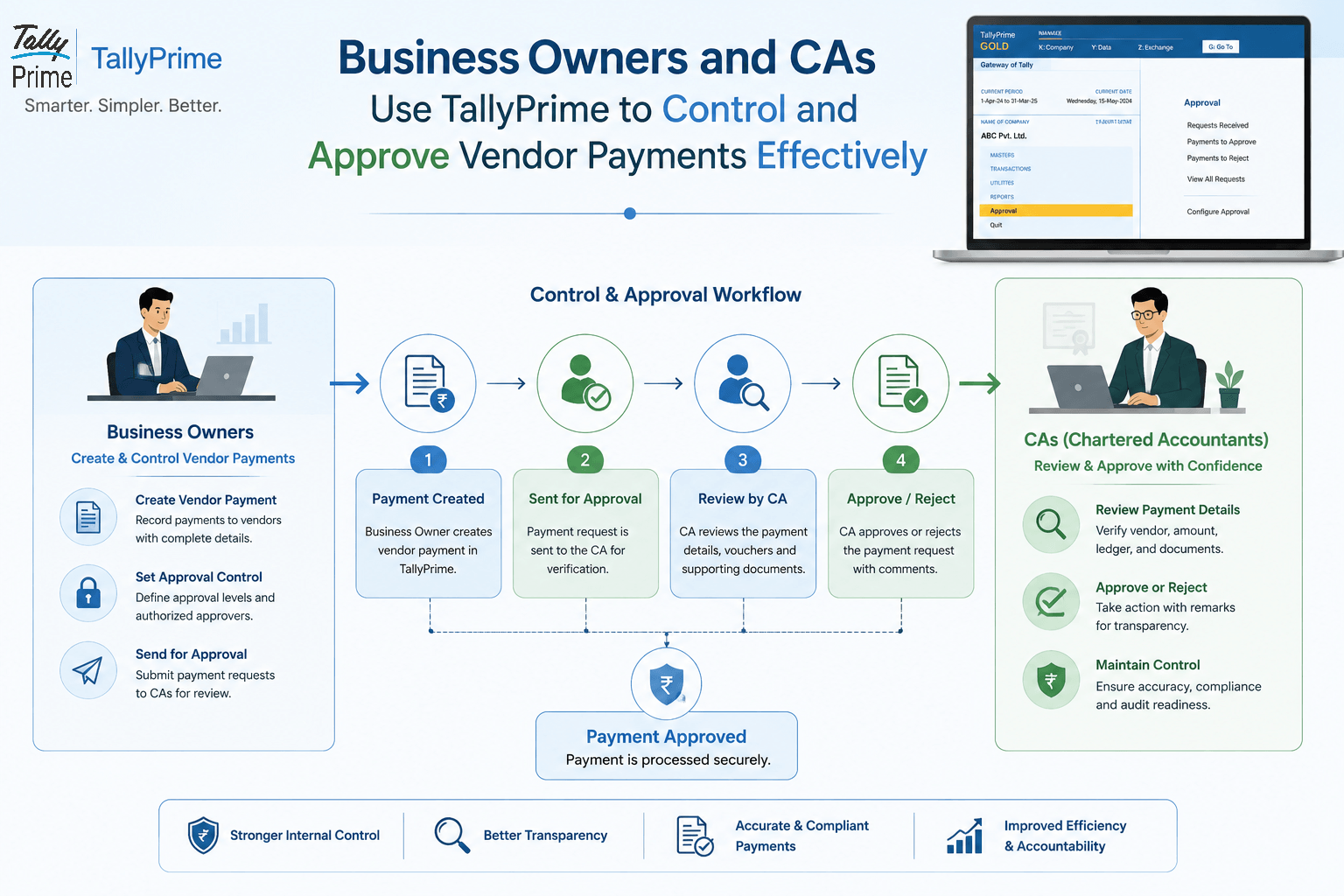
How Can Business Owners and CAs Use TallyPrime to Control and Approve Vendor Payments Effectively?
TL;DR 30-second summary | Vendor payments are one of the most sensitive financial processes in any business. TallyPrime helps business owners and Chartered Accountants (CAs) establish approval workflows, monitor outstanding dues, track payment history, and ensure that no vendor payment is processed without proper authorization. By leveraging reports, user security controls, and audit capabilities in TallyPrime, businesses can improve cash flow management, reduce fraud risks, and maintain financial discipline.