₹1,500 Discount on Combo Course
Grab Now Apply "FLAG26"
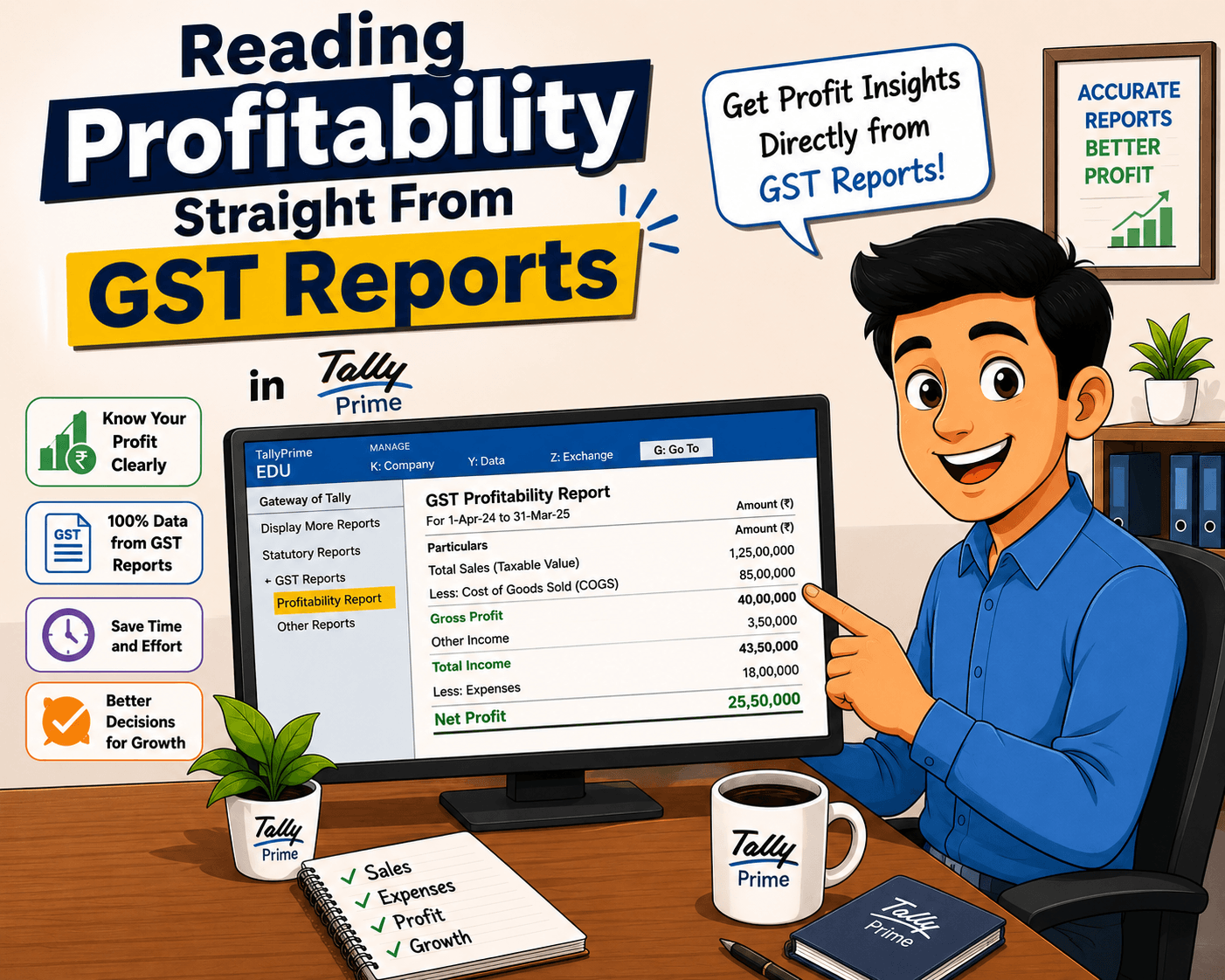
Reading Profitability Straight From GST Reports in TallyPrime
TL;DR
TallyPrime merges compliance and profitability intelligence by feeding everyday GST vouchers (sales, purchases, and e-way bills) directly into native financial statements. Rather than treating tax filing and margin analysis as separate silos, businesses can leverage built-in toggles—like F7 (Show Profit) inside the Sales Register or Stock Summary—to view real-time gross margins, transaction values exclusive of GST, and product-level profitability instantly.
Introduction
Many business owners treat GST reports and profit tracking as two entirely different worlds—one meant strictly for statutory filing, and the other reserved for management reviews. In TallyPrime, this barrier is eliminated. Because every transaction is mapped natively with tax details, HSN/SAC codes, and Input Tax Credit (ITC) tracking, your compliance data inherently drives your financial analytics. Leveraging these integrated systems allows you to transition seamlessly from reviewing tax liabilities to analyzing item-wise, customer-wise, or invoice-level profitability without exporting data or juggling complex external spreadsheets.
Let’s understand how you can read profitability straight from GST reports in TallyPrime.
How TallyPrime Combines Tax Filing and Profit Tracking?
When setting up accounts, many teams build a wall between tax reporting and financial performance. Sales invoices go to the tax filing folder, while profit calculations happen somewhere else. This habit creates double work and blinds you to what is happening right now.
Every time you record a GST invoice, TallyPrime quietly tracks how much that sale costs you, what taxes apply, and how much is left over. When you connect these dots, compliance stops being a chore and starts working for your growth.
Reading profitability straight from your compliance workflow in TallyPrime involves decoupling your total invoice value from actual product earnings, ensuring taxes (GST) do not skew your margin analysis. Because TallyPrime maps inventory and accounting elements directly to tax ledgers, you can extract pure commercial margins without exporting data to external spreadsheets.
"Your GST data isn't just for the tax department; it's a hidden blueprint of your daily margins."
Does Your Sales Data Reveal Margin Realities?
Let’s look at a quick story from my work with a mid-sized trading client in retail. They were filing accurate GSTR-1 returns every month, but the owner felt cash flow was tight despite high sales volume. Just looking at the sales volume clearly did not reveal their margin realities.
Instead of building new reports, we opened their standard sales register and stock summary inside TallyPrime. By viewing transaction values alongside purchase costs, we realized one of their highest-selling items carried razor-thin margins after factoring in delivery overheads and input tax adjustments.
a. The Fix: They adjusted pricing on those specific high-volume items.
b. The Result: Total sales volume dipped slightly, but net profitability jumped within thirty days.
What Happens When You Map Expenses Against GST Purchases?
When you map expenses against GST purchases in TallyPrime, you get a clearer picture of what your business actually spends to generate sales—not just how much GST you paid.
The important point is that GST purchase value and business expense are not the same thing. A purchase invoice may include inventory, services, fixed assets, or other costs, while GST input tax credit is a separate tax consideration.
When you separate cost from tax
Suppose your business purchases goods worth ₹5,00,000 + ₹90,000 GST.
If the ₹90,000 GST is eligible for input tax credit:
● Purchase value = ₹5,00,000
● Input GST = ₹90,000
● Total invoice = ₹5,90,000
● Cost considered for profitability = generally ₹5,00,000
This prevents GST from artificially inflating your business cost when the tax is recoverable.
How TallyPrime connects sales, purchases, expenses, taxes, and accounting data in one system?
In my experience, the biggest bottleneck for growing businesses is data fragmentation—where sales sit in a billing system, expenses are logged in a spreadsheet, and GST data is handled separately by an accountant or a tax portal.
TallyPrime solves this by acting as a single, connected ecosystem. Here’s how it brings sales, purchases, expenses, taxes, and accounting data together without duplicate entries:
1. The Single-Entry Principle (The Core Engine)
When you record a transaction, like a sales invoice or a purchase bill, you only type it once.
● The Sales Side: When you select an item, add a customer, and apply GST, TallyPrime simultaneously updates your Sales Register, your Stock Summary (reducing inventory), your Accounts Receivable (what the customer owes), and your GSTR-1 tax tables.
● The Purchase Side: When you record a vendor bill, it updates your Cost Accounts, Accounts Payable (what you owe), and automatically calculates your Input Tax Credit (ITC) for GSTR-3B and GSTR-2B reconciliation.
2. Embedded Tax Logic
Instead of calculating GST outside the software and typing it in as a separate manual lump sum, TallyPrime links tax classifications directly to your inventory items and ledgers. CGST, SGST, and IGST flow automatically based on the party's location. This means your tax liability is calculated in real-time as a natural byproduct of your day-to-day trading, keeping your compliance records pristine without extra effort.
3. Behind-the-Scenes Ledger Mapping
Under the hood, TallyPrime links operational ledgers to financial statements dynamically:
● Expenses incurred during a purchase (like freight, packaging, or handling) are mapped directly to inventory or overhead cost ledgers.
● This allows the system to feed raw transaction numbers straight into your Profit and Loss Account and Balance Sheet the second you hit save.
4. The "Go To" and Drill-Down Advantage
Because all these data points live in one database, you don't have to flip between screens to see the complete picture. If you are looking at a high tax liability in a GST report, you can simply click (or "drill down") on that specific number. TallyPrime will instantly take you back through the underlying purchase invoice, the vendor ledger, and down to the exact cost impact on your margins.
The practical takeaway: By entering data once for compliance, you automatically build a live financial dashboard, giving you clear visibility into your profits and cash flow without ever maintaining duplicate shadow spreadsheets.
Conclusion
You do not need more data to understand your business; you just need to look at your compliance data differently. TallyPrime brings your taxes, sales, and expenses into one conversational screen.
Quick Action Checklist:
● Stop maintaining duplicate spreadsheets for margin tracking.
● Review your item-wise profitability right alongside your monthly GSTR-3B data.
● Use cost centers to pinpoint where operational expenses eat your margins.
● Consult your accountant to link inventory costs directly with your tax invoices.
Frequently Asked Questions
Can I really track profits using only my GST data?
Yes. TallyPrime uses the exact same underlying transaction data for both tax returns and profit reports, eliminating the need for separate tracking.
Do I need advanced accounting skills to view profitability?
Not at all. If you can check your sales and purchase registers for GST filing, you can view standard profit reports with just a few clicks.
Will this eliminate my need for manual spreadsheets?
It certainly helps. Because TallyPrime automatically connects taxes, sales, and costs, you can ditch messy custom Excel sheets entirely.
How often should I review these insights?
While GST returns are filed monthly, reviewing your profit margins alongside your input tax credits every week keeps nasty surprises away.
Does changing how I view reports affect my tax filing?
No. Looking at your data through profitability lenses does not alter your statutory GST returns or filing accuracy in any way.